Skip to main content
Can I rearrange the calendar list?
How to
iOS/Android
- Tap the list icon, which is the second from the left in the bottom menu
- Tap the sort icon (with up and down arrows) at the top right of the calendar list
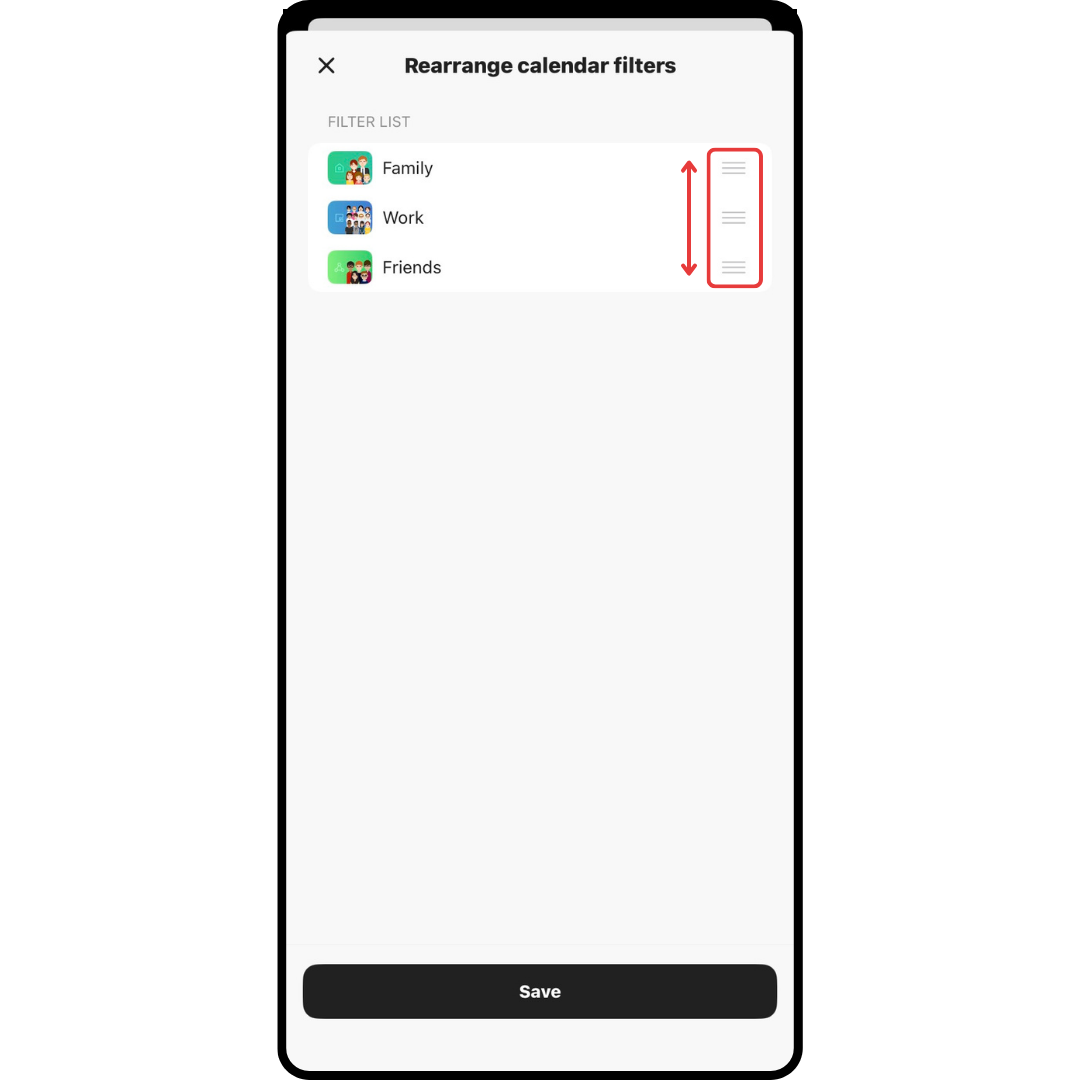
- Tap and hold the three horizontal lines on the right side of the calendar list and arrange the order
- Tap the "×" icon at the top left
WEB
- Click the three lines in the upper left corner of the calendar screen to expand the calendar list
- Click "Arrange" in the upper right corner of the calendar list
- Drag and drop the calendars to rearrange
- Click "Save" in the upper right corner